Real screen context
ClawSight works from what is actually on your Mac screen, not just what somebody typed into a channel.
Compare
Claude Tag lives in Slack. ClawSight lives where the work actually happens.
One lives in Slack. The other lives on your Mac.
If your whole company already lives and dies in Slack, Claude Tag is a smart addition. It joins channels, holds shared context, and gives teams a new way to delegate work inside the chat stream they already use.
But if your real work happens across your Mac, Slack is only one tiny slice of the picture. ClawSight works from what you are actually looking at, with voice, screenshot, and live page context moving together.
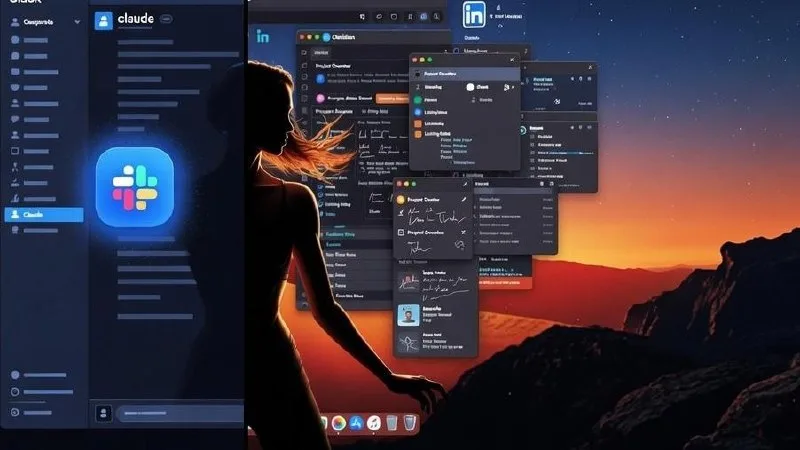 Stop being stuck inside slack.
 Your work lives on your entire Mac.
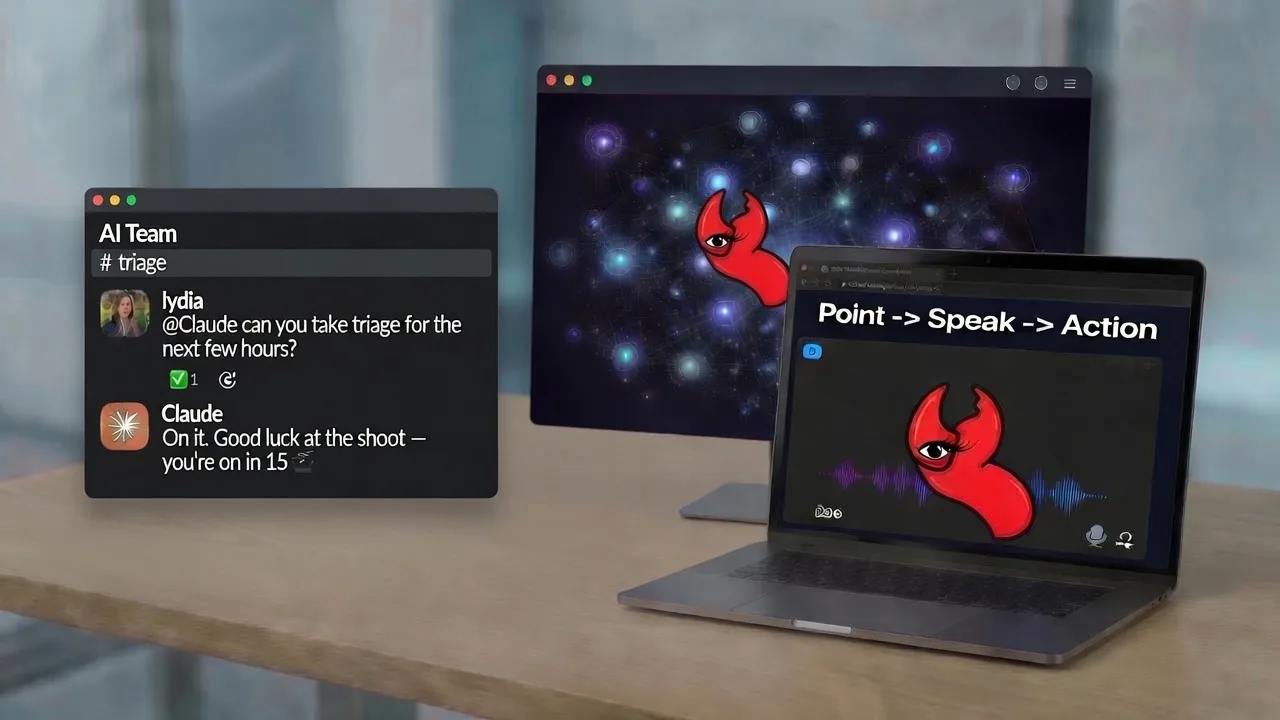 See your screen Point -> Speak -> Action
 Why ClawSight Wins
Claude Tag is strongest when the job stays inside Slack. ClawSight is strongest when the job moves across your Mac, because that is where real operators actually live.
ClawSight works from what is actually on your Mac screen, not just what somebody typed into a channel.
You point, speak, and capture live context in one move instead of translating everything into chat text.
Browser tabs, Obsidian or Notion notes, files, task boards like ClickUp, and desktop tools like Excel can all become part of the same workflow.
It feels natural for founders and operators who want AI help without learning another ritual-heavy interface.
Use Cases
Give instructions from the actual thing in front of you instead of narrating the situation into Slack and hoping the context survives.
Run outreach, note capture, prep, and follow-up from the live Facebook or LinkedIn profiles, conversations, or boards you are already viewing.
Stay inside Obsidian, your browser, and your documents while the agent works from the real work surface instead of a separate chat thread.
Side-by-Side
Claude Tag is a better Slack teammate. ClawSight is a better operating layer for real Mac work.
| Feature | ClawSight | Claude Tag |
|---|---|---|
| Primary home | Your Mac desktop | Slack workspace |
| Context source | Live screen, app, page, and voice context | Slack threads, tools, and channel history |
| Input style | Voice + screenshot + current context | Text-first interaction in Slack |
| Cross-app workflow | Works across browser, notes, files, and desktop tools | Mostly contained inside Slack |
| Best user | Operators who work directly on their Mac | Teams that already organize work in Slack |
| Shared team context | Possible through OpenClaw or Hermes workflows | Native strength inside shared Slack channels |
| Friction removed | Copy-paste, tab switching, and context loss | Slack delegation friction only |
| Easiest rollout | More transformative, less behavior change | Easier for Slack-native companies |
Where Claude Tag Wins
That matters. If the goal is lightweight team collaboration inside a tool everybody already uses, Claude Tag is a solid fit.
But that is not the same thing as removing friction from real day-to-day computer work. The real question is whether the AI can understand what you are actually doing, right where you are doing it.
FAQ
No. It is useful for Slack-native teams that want shared AI assistance inside channels.
No. If your work truly lives inside Slack and Claude, Claude Tag may be enough. If your work happens across your Mac, ClawSight is the stronger model.
No. It replaces the copy-paste ritual that happens when Slack is not enough.
Mac-first founders, operators, consultants, and business owners who want AI to work from the actual screen in front of them instead of from a chat box alone.
The Bottom Line