01
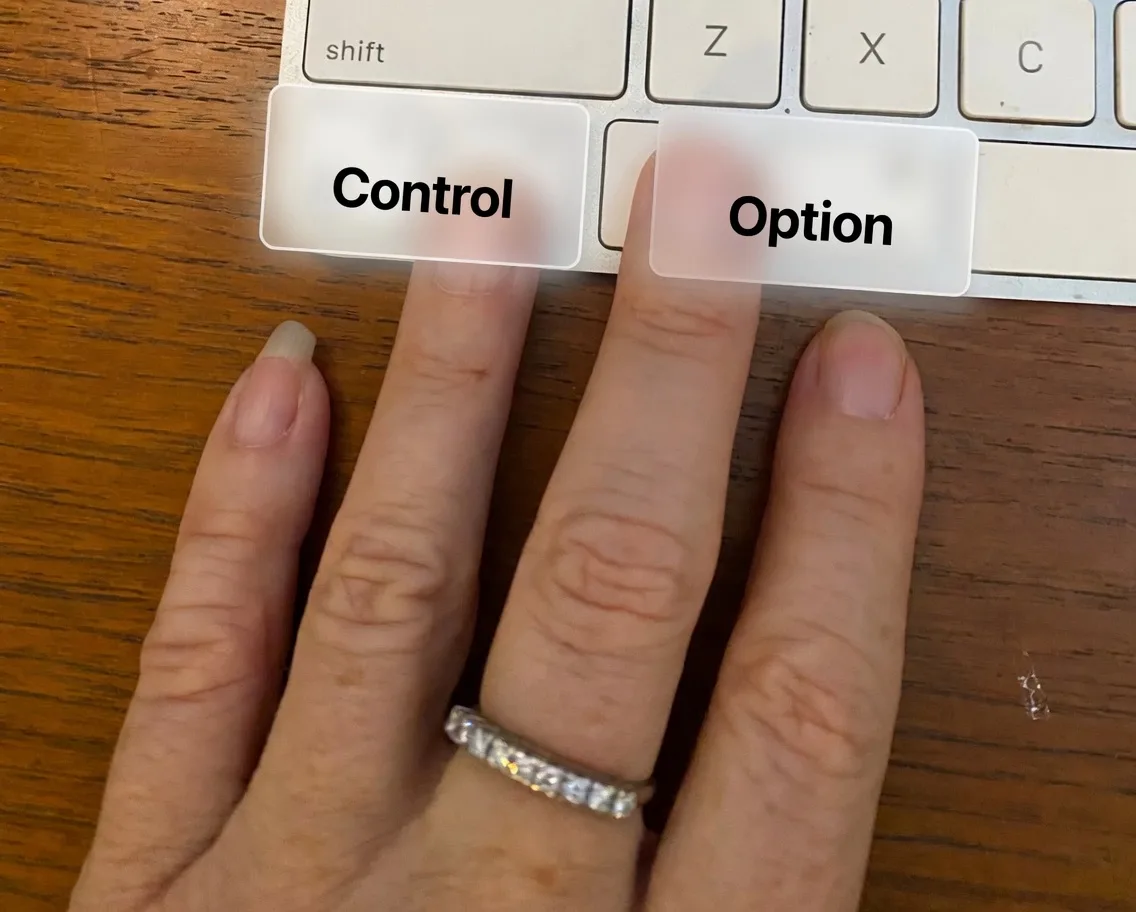
Press Control + Option
Instantly capture your screen, the active window, and what you are trying to do.
ClawSight gives your AI agents real-time context from your Mac, including OpenClaw, Hermes, or Claude Managed Agent on Premium Command. Capture what app you are in, what is on screen, and what you want to do so your agent starts from the real situation instead of guessing from a screenshot.
How It Works
Capture turns what is happening on your Mac into structured context your agent can actually use.
01
Instantly capture your screen, the active window, and what you are trying to do.
02
Screenshot plus active app and window, ranked UI candidates, recent thread context, and your voice intent.
03
The enriched request is delivered to OpenClaw, Hermes, or your managed agent on our premium tier so your model starts with the right context.
Why It Matters
We send the screenshot plus clean accessibility data, element positions, app state, cursor-aware context, and recent conversation history.
Most people still paste screenshots into chat and manually explain what matters. ClawSight captures, enriches, and routes that context in one move.
Route requests to OpenClaw, Hermes, or your Claude Managed Agent depending on the task. You stay in control.
Especially useful for developers debugging UI, PMs and designers reviewing work, support teams documenting issues, and researchers collecting evidence.
Real Examples
Instead of posting screenshots to Telegram, your agent sees the thread, the sender, and the exact message you want to respond to.
Capture the actual screen, the active window, and what you are pointing at so your agent can help with the real UI problem immediately.
Say what you want while looking at the screen. The agent receives both your intent and the exact state of the interface.
Seen in the wild
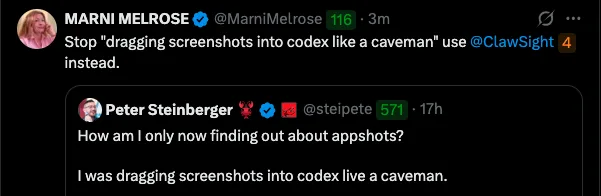
Too many AI workflows still rely on dragging random screenshots into chat and hoping the model figures it out. ClawSight upgrades that mess into structured screen context, active-app state, and voice intent your agent can actually use.
Same human workflow. Far less guesswork. Much better odds your agent does the right damn thing.
Watch it
See the homepage hero video right on the page instead of a static screenshot.
Trust & Transparency
Voice is transcribed before being sent. By default, we use AssemblyAI for transcription, which means audio leaves your Mac. You can switch to on-device Apple Speech if you prefer everything to stay local.
We do not store or review your screens or requests. We make the connection between your Mac and the agents you already use.
Premium - Capture

Standard Capture only.
VIP - Command
ClawSight Capture, Command Managed Agent plus training community access.
Concierge
Priority Support and a 1 on 1 session.
11 spots left out of 12
Catalyst
Done-with-you agent design, buildout, and deployment.
4 spots left
If you need quick one-off help you can book Marni on Every Expert.